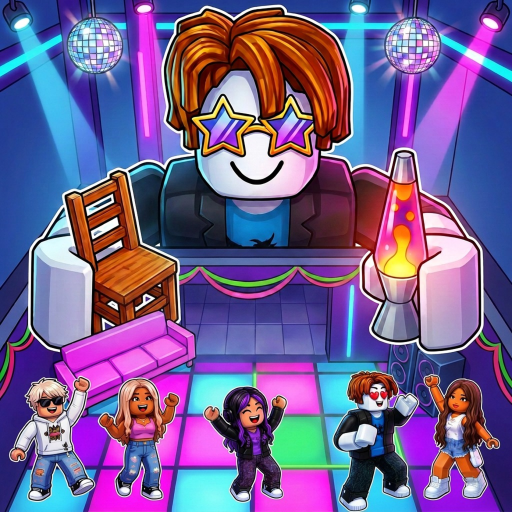
The short answer: no Trello, no Discord — the Roblox page is the news feed
Make a Party ships its updates the old-fashioned way: the creator publishes on the official Roblox page, edits the description when a code or like-milestone changes, and rotates the title tag — the current one carries the devil-emote over the MrBeast party-rivalry premise. There is no official Trello board to check, and no creator-endorsed Discord invite has ever appeared on an official surface. The Crazy Night! group is the one official community anchor, and an independent fan wiki (unlinked by this site's policy) covers the game's systems from the community side.
That scarcity is worth knowing before you search: queries like "Make a Party Trello" mostly return boards for other games or generic Roblox party content, because this game's name collides with a dozen unrelated party games. The checked-date rows below show each destination's status — not verified, unavailable, or disputed states — plus the verified exact experience and creator-group links that are safe to use. The rows separate the two links the creator actually owns from everything claiming to fill the gap.
A safety note for a game with missing links
Games without official Trello or Discord channels attract fakes: invite servers posing as the creator's, "code generator" sites, and verification bots that ask for your Roblox password or .ROBLOSECURITY cookie. The real creator links for this game are exactly two — the official Roblox page and the Crazy Night! group — and neither will ever ask for your password, and codes are redeemed only inside the game's own Shop box. The community fan wiki prints the same warning: never type credentials into a Discord bot or a bio link claiming to be official.